 Zen Bear
Zen Bear
Zen Bear
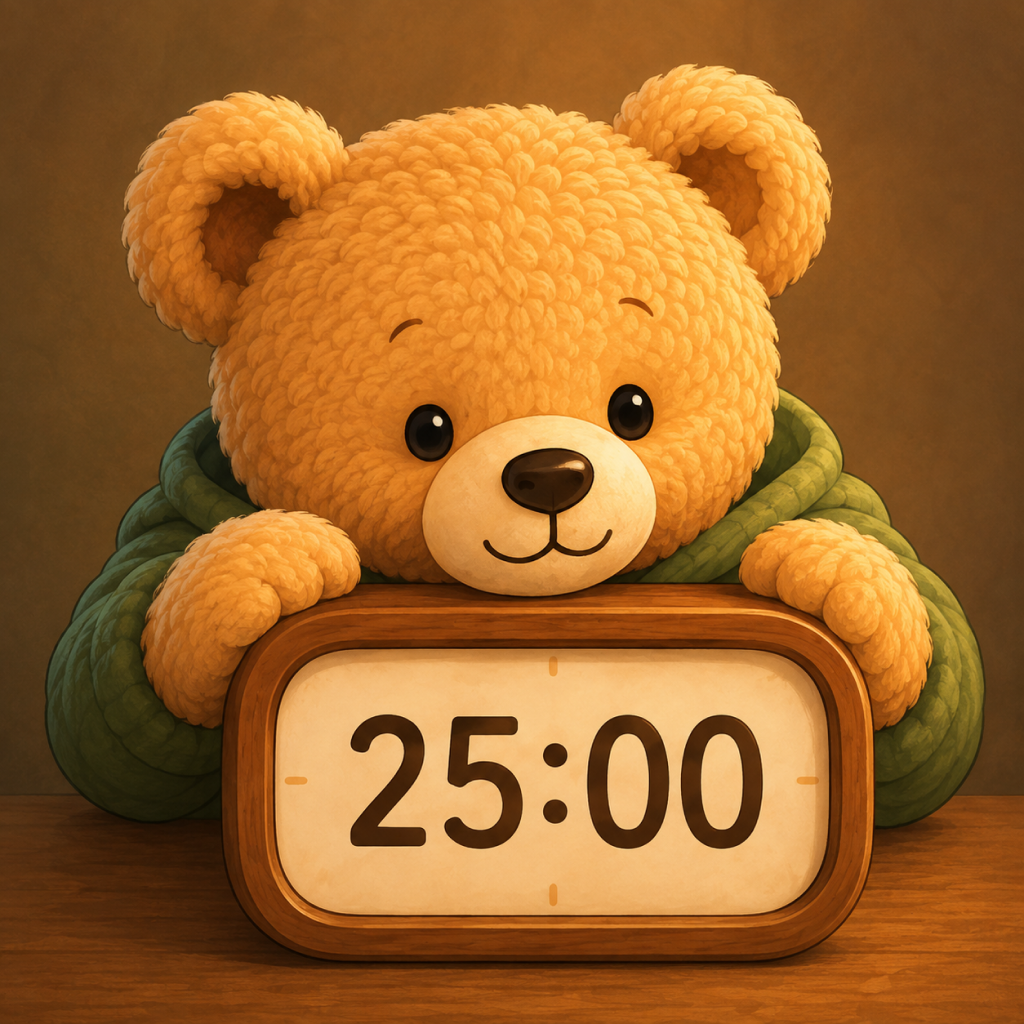
Everything you need to know about Zen Bear: Cozy Pomodoro Focus & App Blocker.
Zen Bear uses Apple's official Screen Time API (FamilyControls & ManagedSettings). While a focus session is running, the apps and categories you selected (e.g. social media, games) are blocked. They are unblocked during breaks, when you pause, and when the session ends. App blocking is part of Zen Bear Premium.
Tap "Emergency Access" on the block screen, then open the notification from Zen Bear. You can unblock your apps for 15, 30 or 60 minutes, or pause or end your focus session.
Please ensure Screen Time permissions are granted to Zen Bear. Go to iOS Settings > Screen Time > Zen Bear and make sure access is turned ON. Also check that you have selected apps or categories with "Choose Apps" in Zen Bear, that app blocking is turned on, that your Premium subscription is active, and that a focus session (not a break) is running.
Zen Bear Premium is an auto-renewing monthly or yearly subscription. It unlocks app blocking during focus sessions (with Emergency Access), the Rain, Autumn, Day Snow and Night Snow scenes, 10 extra music tracks, 5 extra cat companions and the matcha drink. The Pomodoro timer, stats, streaks and reminders are free.
Open iOS Settings, tap your name, then Subscriptions, and select Zen Bear. Cancel at least 24 hours before the end of the current period to avoid being charged for the next one.
Open the Premium screen in Zen Bear (for example from Settings > "Upgrade to Premium") and tap "Restore Purchases" at the bottom. Your Apple ID subscription will automatically reactivate.
Open the menu on the main study screen. Under ENVIRONMENT, choose Day or Night (free), or Rain, Autumn, Day Snow or Night Snow (Premium). Under COMPANION, choose Cozy Cat or Black Cat (free), or one of 5 more cats with Premium.
We're here to help you maintain a peaceful study environment.
Contact Support Team